An eForms form template can hold a list of metadata keyed values. User can open a metadata editor by several means:
From the main menu selecting the item View-> Metadata
From the main toolbar clicking the icon  .
.
In the active form editor selecting the Metadata item from the context menu.
The above mentioned actions open the Form Metadata Editor dialog.
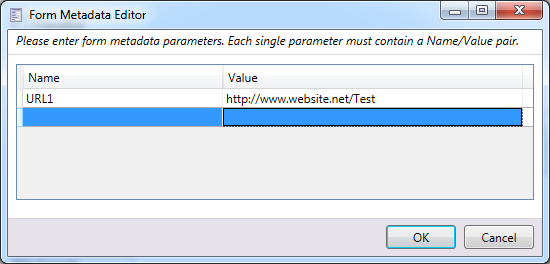
Picture – Metadata editor dialog